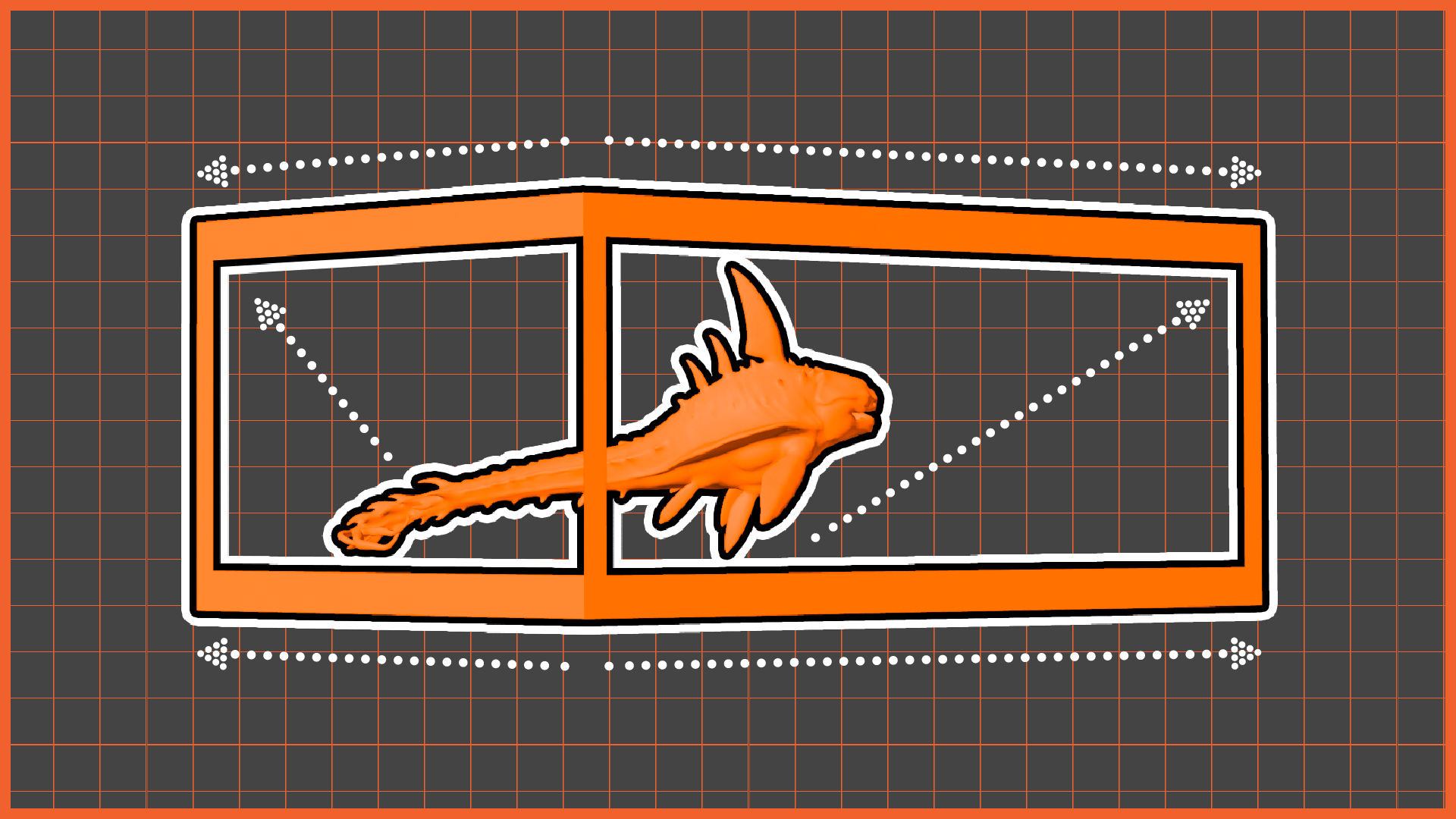
In Week 03 of Experimental 3D Computer Animation, Professor Serra Özdemir introduced me to 3D display screens, digital billboards, and holographic visual presentations. The session focused on understanding how anamorphic 3D displays create the illusion of depth, making digital objects appear as if they are extending outside the boundaries of a flat screen. I studied how perspective, camera positioning, and screen mapping are carefully designed to create these realistic visual effects commonly seen in large-scale advertising boards and public digital displays.
Step 1: Understanding the Ndisplay
Serra conducted a practical workshop inside Unreal Engine, where she demonstrated the process of setting up a 3D screen illusion. The workshop covered the use of a specific camera setup and perspective-based rendering techniques that allow a two-dimensional screen to display convincing three-dimensional imagery. I also explored how the virtual environment, camera angle, and object placement influence the final illusion and how proper mapping is essential to achieve a believable depth effect.
Step 2: Importing the Animation
I experimented with applying an existing animation from another subject into this new format. I selected my underwater creature animation and tested how the creature would appear inside a 3D digital screen environment. By placing the animation within the display setup, I was able to observe how movement, depth, and perspective changed the viewer’s perception and created the illusion that the creature was emerging from the screen.
This workshop expanded my understanding of how real-time technologies such as Unreal Engine can be used beyond traditional filmmaking and games. It showed me how experimental animation can interact with public spaces, digital installations, and commercial displays. The process of converting a standard animation into a 3D display experience helped me understand the importance of camera perspective, spatial design, and visual illusion in creating immersive digital experiences.
Step 2: Rendering the Output