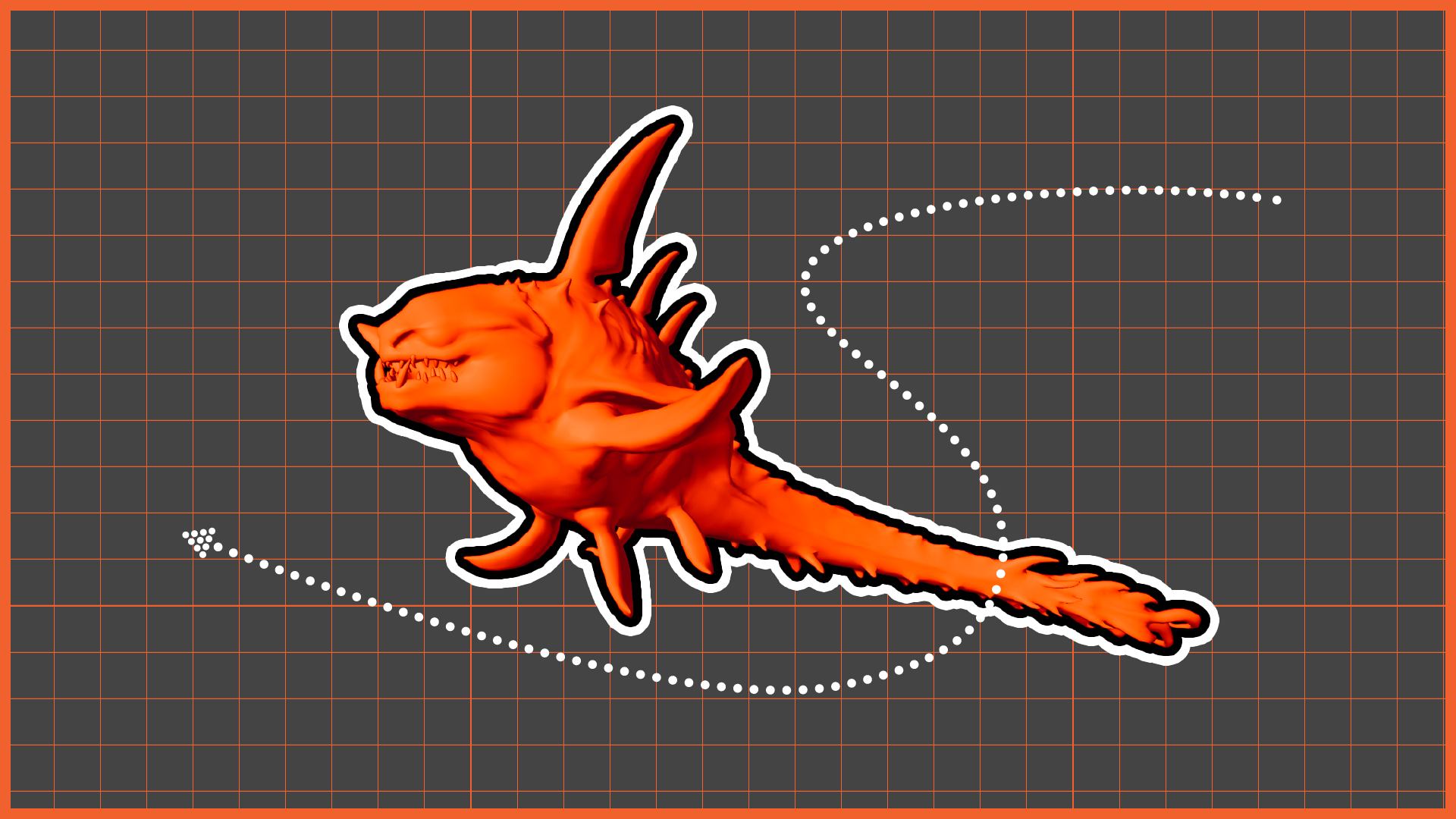
In Week 11 of Advanced 3D Computer Animation, Professor Ting Liu Ting Liu introduced me to the concept of overlapping action in animation and explained how offsetting different body parts helps create more natural and believable movement. She conducted a practical workshop in class using a rig provided by her and demonstrated the complete process of creating overlap through the graph editor.
Step 1: Developing the Animation
The first step involved adding basic rotational movement to the tail controls. After establishing the primary movement, Ting Liu demonstrated how to use the graph editor to create overlapping motion. She converted the animation curves into infinite loops using the infinite cycle options, allowing the motion to continue repeatedly. The main principle was to offset the timing of each tail control. Since the tail had six controls, the first control remained as the leading movement while the remaining controls were shifted progressively in time. She selected the next five controls and moved their graph slightly ahead, then repeated the same process with four, three, and finally two controls. This gradual delay created a natural drag and follow-through effect, making the tail appear organic rather than moving as a rigid object.
Step 2: Receiving the feedback
After submitting my animation, I received strict feedback from Professor Ting that:
“You are one of the very few students who also animated the spikes of the sea monster. It shows that you paid attention to the secondary elements of the character and understood how overlapping can be applied to smaller details as well.”
This week helped me understand that overlapping is not only a technical process but also a key principle that adds life and weight to animated characters. By controlling timing offsets through the graph editor, I learned how secondary motion can make even a simple movement appear more dynamic and realistic.
Step 3: Rendering the Animation