

In Week 05 of Experimental 3D Computer Animation, Professor Serra Özdemir introduced me to the process of creating 360-degree videos for virtual reality experiences. Since my final project direction involved developing an immersive 360-degree environment, this workshop became particularly relevant to my own project development. The session focused on understanding how 360 rendering works inside Unreal Engine and how VR experiences are generated using specialised camera systems.
Step 1: Installing the Off World Plugin
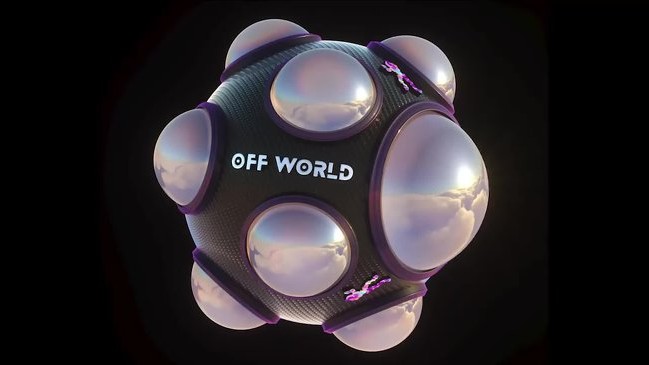
Serra introduced me to the Off World Live 360 Camera plugin, which allows Unreal Engine to capture panoramic 360-degree views of a virtual environment. I learned how this camera setup differs from traditional cinematic cameras, as the viewer is able to observe the entire environment around them rather than being restricted to a single frame and viewpoint.
Step 2: Importing the Environment
I downloaded a 3D environment model and imported it into Unreal Engine. I then installed the Off World Live plugin and placed the 360 camera inside the environment to test how the scene would appear as an immersive VR experience. I explored the camera setup, positioning, and rendering process required to generate a full 360-degree visual output.
Step 3: Rendering the Output
The rendering workflow involved exporting the animation as an image sequence rather than a single video file. I learned how these image sequences are later combined and processed inside Adobe After Effects before being exported as a final 360-degree video. This workflow helped me understand the technical pipeline used in professional VR and immersive media production.
This workshop was particularly useful for the development of my final project because it provided me with the fundamental knowledge required to create immersive environments. I gained a clearer understanding of 360 cameras, VR presentation methods, and the technical process of transforming a virtual environment into an interactive visual experience.