
In Week 17 of Advanced 3D Computer Animation, Professor Ting Liu introduced the Animbot plugin and demonstrated how it can improve animation workflows inside Maya. The workshop focused on using Animbot tools to speed up common animation tasks such as adjusting timing, editing graph curves, creating overlap, managing motion trails, selecting controls efficiently, switching spaces, and resetting poses. I learned how these tools help animators spend less time on technical adjustments and more time focusing on performance and storytelling.
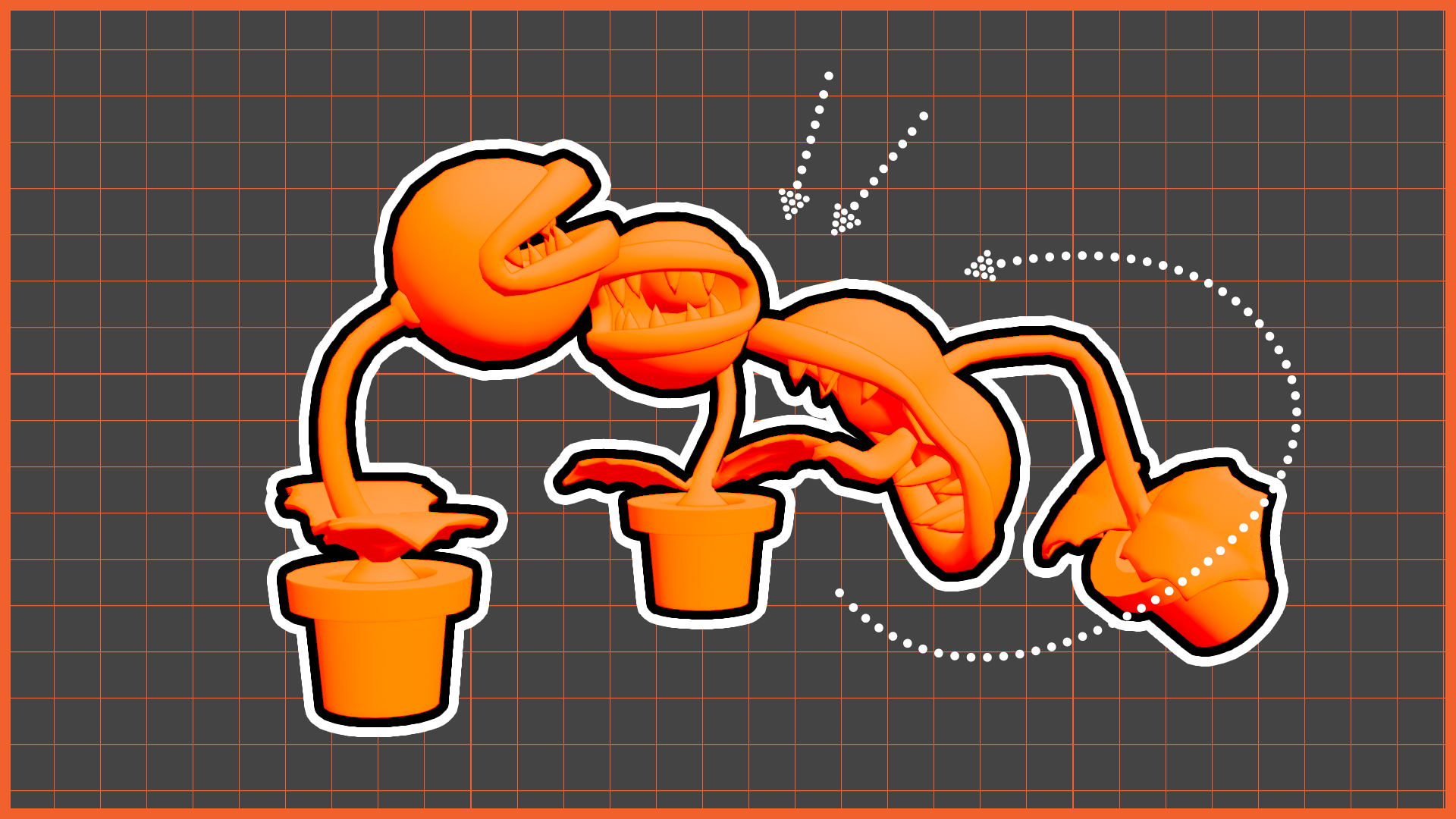
Ting provided a Piranha Plant rig from the Super Mario universe. The task was to create an attack animation while exploring the different functions available in Animbot.
Step 1: Developing the Animation
I first animated two Piranha Plants attacking one another in a simple back-and-forth sequence.
After completing the initial version, I expanded the idea by adding a third Piranha Plant positioned between them. This character reacted to both attacks by looking from side to side whenever either plant lunged forward. The reactions helped create a stronger sense of interaction and timing.
Step 2: Receiving the feedback
After submitting my animation, I received positive feedback from Professor Ting that:
“The timing is really good”
I also discussed how animation data can be copied and reused through Animbot, which highlighted the practical benefits of animation tools in professional production pipelines.
Step 3: Enhancing the Animation
While refining the animation at home, I developed the concept further by imagining a fourth Piranha Plant standing further away, becoming irritated by the ongoing conflict. This allowed me to begin thinking more about character relationships and visual storytelling rather than treating the exercise purely as a technical animation task.
Step 4: Rendering the Animation