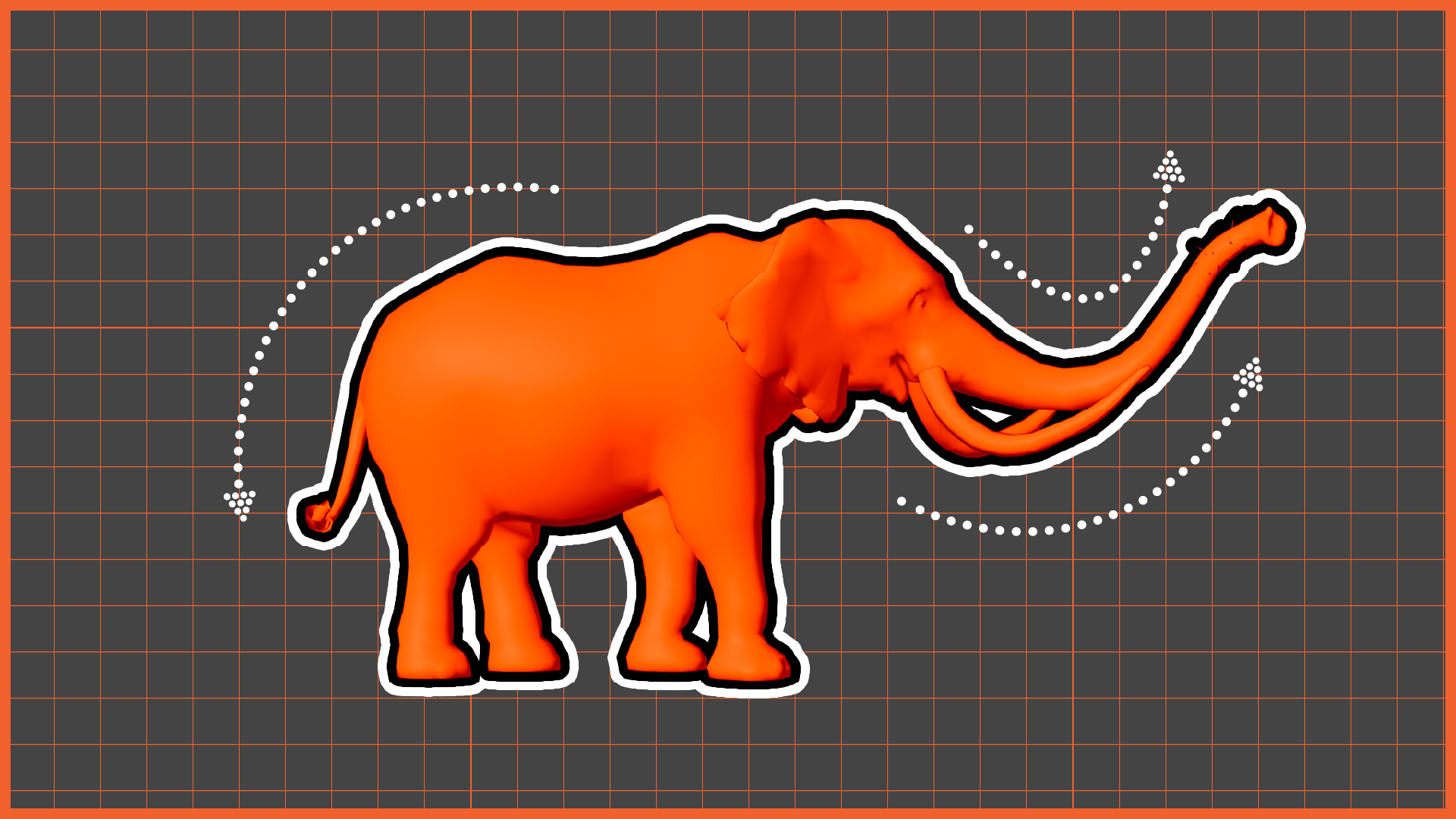
In Week 15 of Advanced 3D Computer Animation, Professor Ting Liu asked me to continue developing the elephant locomotion animation based on the feedback received during the previous review. Ting asked us to refine our creature animations and focus on improving the anatomical accuracy and overall believability of movement. The session emphasised careful observation of reference footage and understanding how different body parts influence one another during locomotion.
Step 1: Redeveloping the Animation
I made several improvements to the elephant animation. I adjusted the timing to create a more natural pace and increased the side-to-side movement of the centre of gravity to better communicate weight transfer. I refined the front and back leg mechanics and worked on improving extension throughout the stride. I also animated the eyes to add more life to the character and incorporated additional overlapping motion between the centre of gravity and the chest. In addition, I revised the shoulder movement to better reflect the anatomical structure of an elephant during walking.
a) Side View
b) Front View
c) Perspective
Step 2: Receiving the feedback
After submitting my animation, I received good feedback from Professor Ting that:
“The animation is looking much stronger now and the timing is working well. The front leg still needs correction because the curve direction is opposite to how the leg should naturally move.”
“The shoulder and foot should move together because they are part of the same structure.”
“Overlapping action should happen in the centre of gravity and body mass, but not between the shoulder and the foot.”
This feedback helped me better understand the relationship between anatomy and movement. I realised that some forms of overlap improve realism, while others can create incorrect mechanics if applied in the wrong areas. Through this process, I gained a stronger understanding of quadruped locomotion, weight transfer, and structural movement. I will continue refining the leg arcs and shoulder mechanics to improve the overall quality of the animation.
Step 3: Rendering the Animation
a) Single
b) Elephant Herd