In WEEK 03 of Computer Animation Fundamentals, Professor Serra Ozdemir explained me about Sequencer in animation and how it controls animation timelines, camera movements, and lighting transitions. She showed me how to set up a camera and use the Sequencer timeline to animate both the objects and the camera path.
I learned how to create different keyframes to define motion, and how to edit them to make the movement smoother. I also explored how to control focus and blur, and how to make light intensity change over time, for example, blinking lights or a dimming effect. Professor Serra guided me through downloading and using free assets from the FAB Library in Unreal, which helped me practice the camera and lighting techniques in a scene which helped me understand how all these small animations combine to create a complete, film-like sequence inside Unreal.
FINAL PROJECT (ANIMATION AND CAMERA MOVEMENTS)
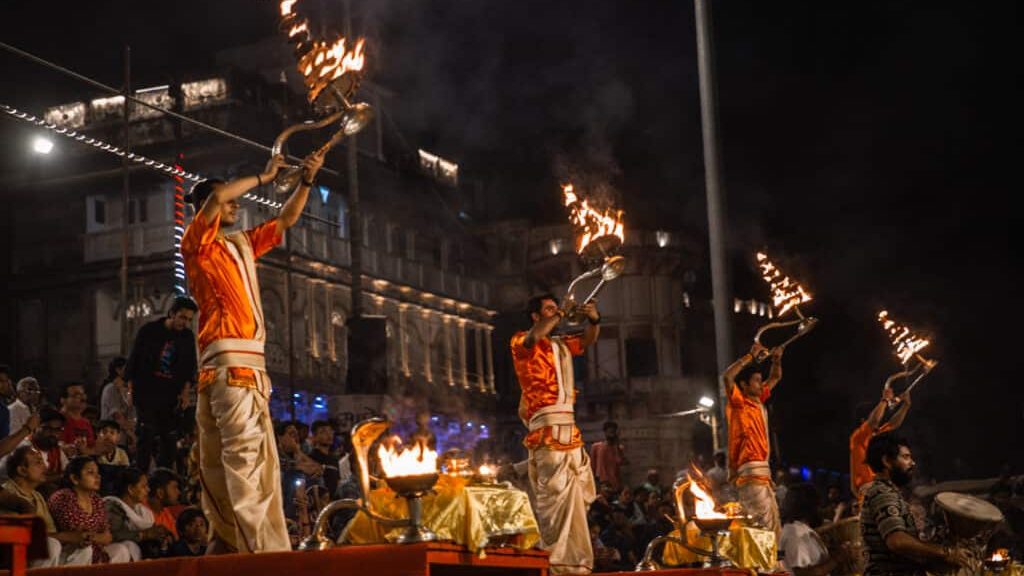
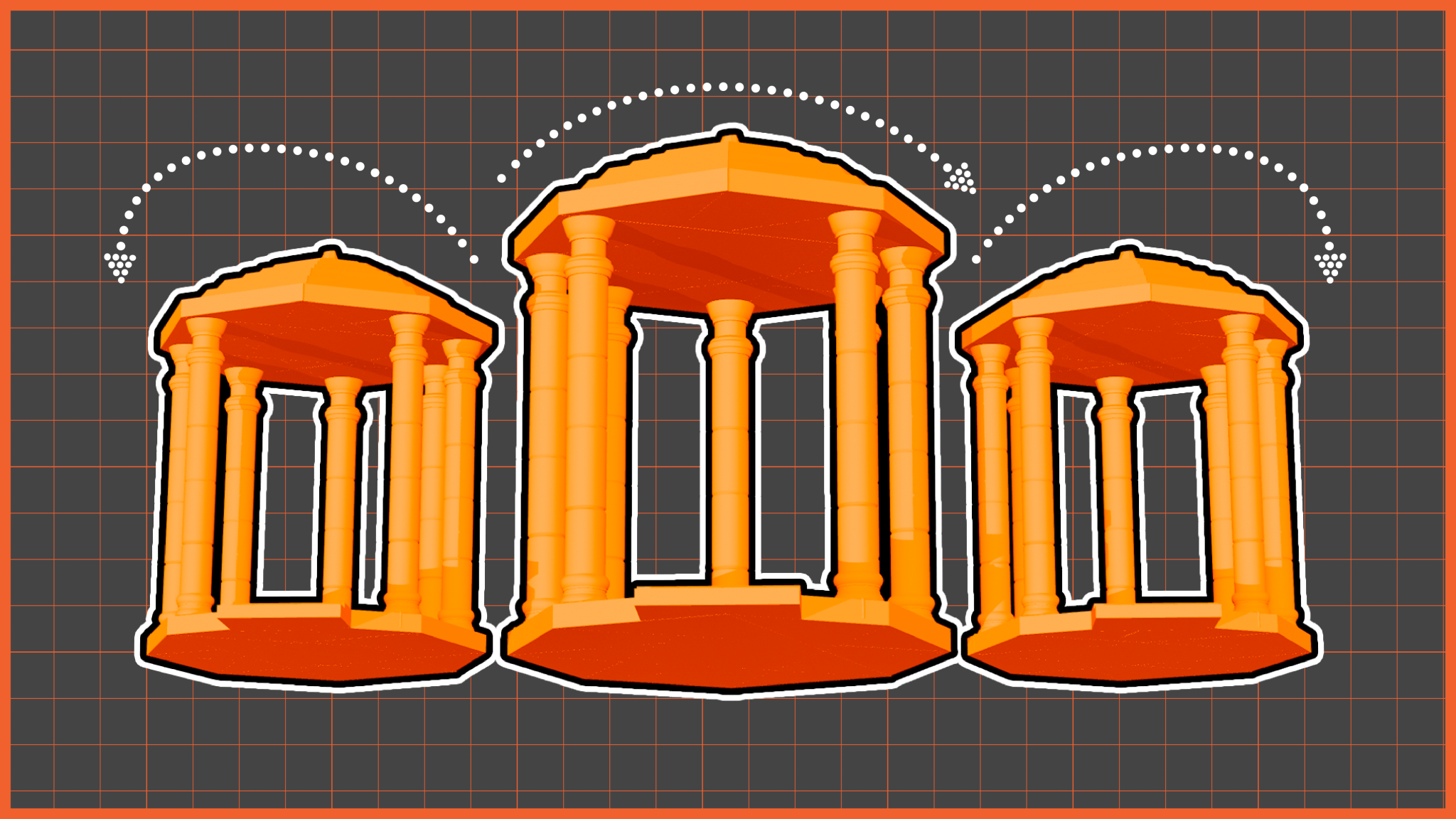
This week, the emphasis was on sequencing and visual storytelling. I began thinking about what kind of shots and frames I wanted to include in my final project. I created additional mood boards focusing on camera angles and composition, such as close-up shots for intimate moments and wider perspective shots showing arrangements like rows of candles. This helped me understand how different frames could work together to create a cohesive visual sequence rather than isolated images.
a) Primary Cinematic shot Angles
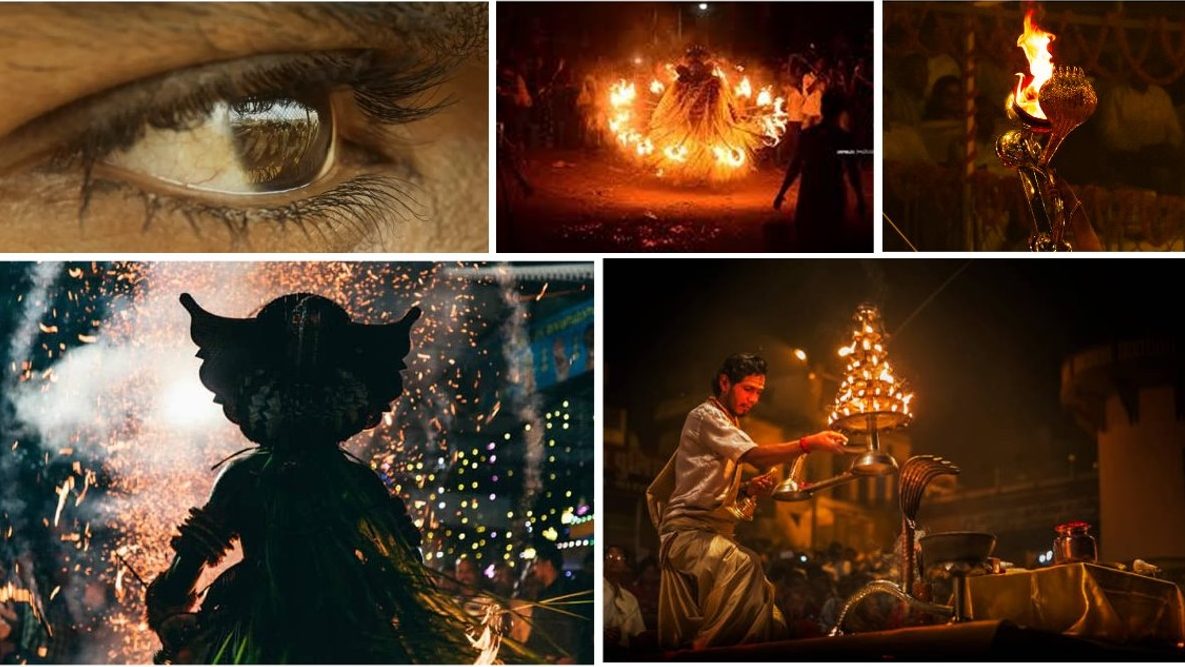
b) Secondary shot ideas